Ready to work
on day one.
New employees should be able to get started. We prepare PCs, HP laptops, and Microsoft Surface devices with software and access, test the workplace, and coordinate handover with you.
Discuss your rollout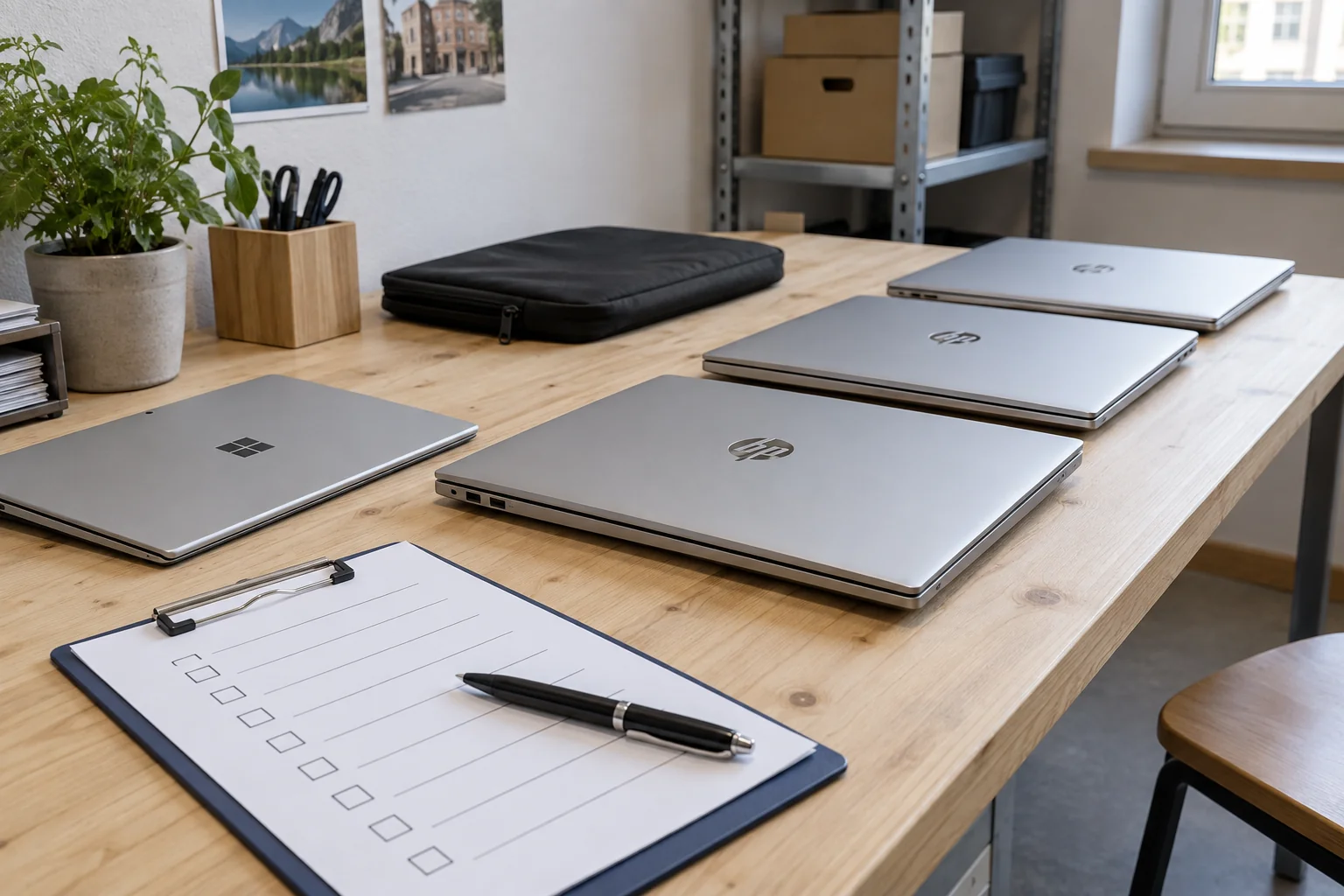
A device is only ready
when the workplace works.
Preparation includes users, applications, and equipment on the desk, not just the operating system.
Procurement & preparation
Match requirements with hardware. Clarify included equipment, accessories, and technical prerequisites early.
- Device selection and technical assessment
- Preparing laptops, PCs, and tablets
- Inventory and assignment
Standards & configuration
Create a repeatable setup for the agreed workplaces. Differences between user roles remain documented.
- Operating system and drivers
- Standard software and base settings
- User profiles and access requirements
Rollout & handover
Provide tested devices and coordinate their introduction. Handover covers more than hardware.
- Pilot devices and functional tests
- Coordinated deployment
- Device lists and technical documentation
A tested approach.
Device by device.
Pilot device
Combine the standard, user role, and required applications on the first device.
Functional test
Test sign-in, business software, dock, monitor, and connectivity together. Document open items.
Coordinated rollout
Agree on approval and transition dates. Apply the tested configuration to further devices.
Handover
Assign devices, verify data transfer, and hand over documentation for ongoing support.
Work can begin on the first workday.
That is the goal of the agreed work. We define scope and test criteria for your environment.
- Devices have the agreed system and software configuration.
- Sign-in, business applications, and peripherals are tested before handover.
- Device assignments and open items are handed over clearly.
Before rollout.
How many devices make a standardized rollout worthwhile?
Shared standards can help even with a few workplaces that are renewed regularly. Whether images, installation packages, or documented manual preparation make sense depends on your devices and requirements.
Can existing devices be included?
Yes, after checking hardware, operating system, licensing, and condition. Not every existing device needs to be replaced.
How many workplaces need to be prepared?
Which devices, applications, and users need to be ready by the change date? A rough overview is enough to start.
Herbert Röblreiter.
Personal IT support from Haid / Ansfelden, Austria. From a single workplace to a jointly managed environment.
+43 7229 22722[email protected]Wachtelstraße 14 · 4053 Haid – AnsfeldenPrefer to choose an appointment directly?The calendar opens on this page. Google is only loaded when you open it.
Microsoft Partner · HP Partner
Experience & practice